Why Is My RK ZONE Withdrawal Pending or Failed?
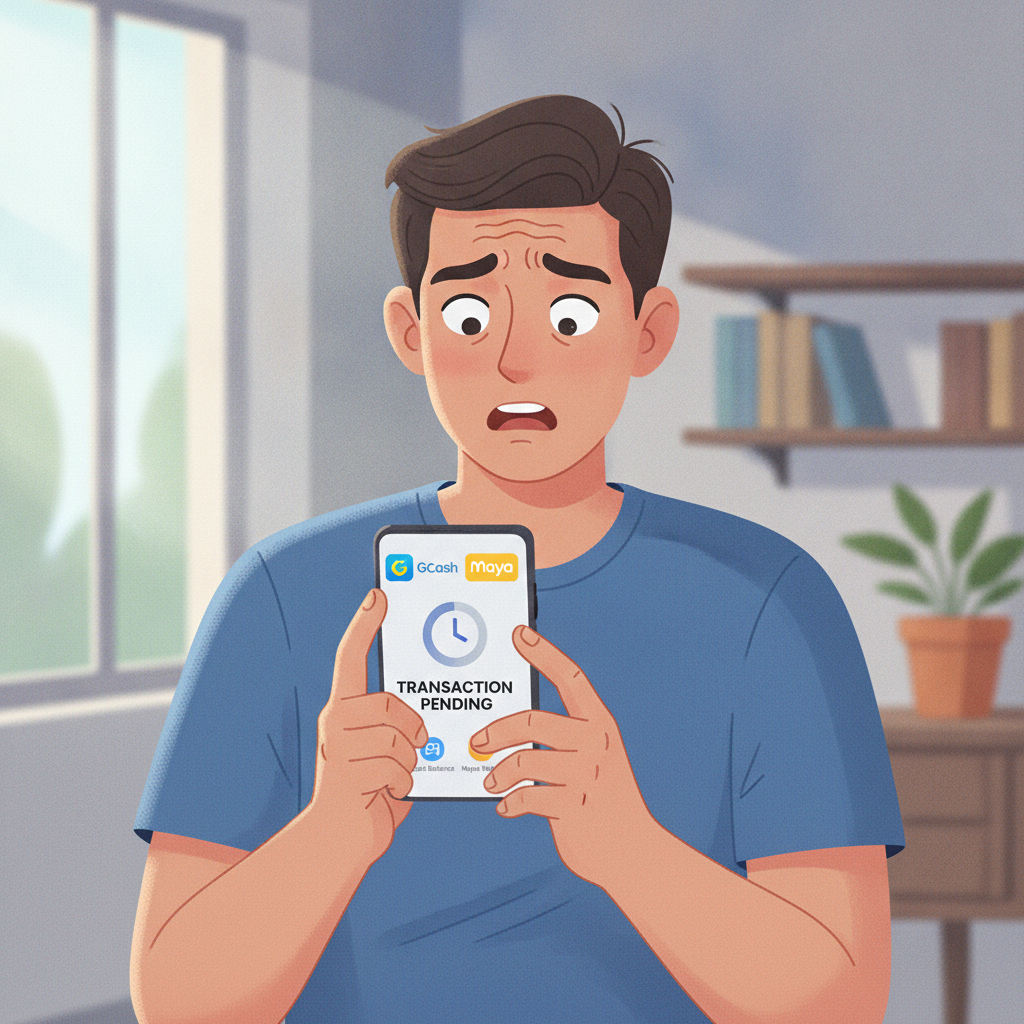
Why Is My RK ZONE Withdrawal Pending or Failed?
When your RK ZONE withdrawal doesn't arrive on time—or changes to "Failed" or "Rejected"—it's frustrating. Most cashout delays happen for a handful of specific reasons, and most can be fixed once you know what to check.
This guide walks through the most common causes of pending or failed withdrawals at RK ZONE, how to confirm you've met the platform's conditions, what rejection messages mean, and how to get help from support.
This content is for players aged 21 and over only. If you have a problem with gambling, please seek help from the National Center for Mental Health or a qualified counselor.
Top Reasons RK ZONE Cashouts Stay Pending
A withdrawal status of "Pending" means RK ZONE has received your request but hasn't yet approved or transferred the funds. Here are the most common reasons:
Incomplete or Unverified Account
RK ZONE requires players to verify their identity before processing withdrawals. If you deposited via GCash or Maya and haven't uploaded a valid government ID, selfie, or proof of address, your cashout will sit in pending until verification is complete.
Check your RK ZONE account profile or inbox for any messages asking for documents. Common verification requirements include:
- Valid Philippine government ID (driver's license, passport, UMID, Postal ID)
- Clear selfie holding the ID
- Proof of address dated within the last three months (utility bill, bank statement)
Upload files in JPG or PNG format, with all four corners of the document visible and text readable.
Turnover or Wagering Requirements Not Met
If you claimed a bonus—whether a welcome match, reload, cashback, or free spins—RK ZONE typically requires you to wager a multiple of the bonus (and sometimes the deposit) before you can withdraw.
For example, a ₱200 bonus with 15× turnover means you must place ₱3,000 in real bets before any winnings become eligible for cashout. Until that threshold is met, the system will either hold your withdrawal as pending or reject it outright.
Even if you didn't intentionally claim a bonus, automatic promotions can attach rollover conditions to your balance. Always check the "My Bonuses" or "Wagering Progress" section in your RK ZONE account before requesting a cashout.
Minimum Withdrawal Amount
RK ZONE sets a minimum cashout threshold, often ₱100 or ₱200 depending on the payment method. If your balance is below that limit, the withdrawal request will be rejected.
Technical Issues with the Payment Method
Sometimes the problem isn't on RK ZONE's end. GCash, Maya, and bank systems via InstaPay or PESONet can experience downtime, particularly during weekends, holidays, or server maintenance windows.
If your withdrawal has been pending for longer than the stated processing time (usually 15 minutes to 24 hours for e-wallets, 1–3 banking days for bank transfers), a temporary issue with the receiving platform may be the cause.
Mismatched Account Names
RK ZONE requires that the name on your registered account matches the name on your GCash, Maya, or bank account exactly. A mismatch—even a middle initial or nickname difference—can trigger a failed withdrawal for anti-fraud reasons.
Double-check that the name in your RK ZONE profile matches your e-wallet or bank records character for character.
How to Check If You've Met Wagering Conditions Before Withdrawing
To avoid a rejected cashout, verify your wagering status before you submit the request:
- Log in to your RK ZONE account on mobile or desktop.
- Navigate to "My Account" or "Bonuses."
- Look for a section labeled "Active Bonuses," "Wagering Progress," or "Rollover Requirements."
- If a bonus is active, you'll see a progress bar or a remaining turnover amount (for example, ₱1,200 of ₱3,000 wagered).
- Do not attempt to withdraw until the progress bar reads 100% or the turnover balance shows ₱0.
If the interface doesn't display a progress tracker, check the terms of the promotion you claimed—or contact RK ZONE support via live chat and ask, "Have I met the wagering requirements for my current balance?"
Keep in mind that not all bets count equally toward rollover. Slots usually contribute 100%, while live dealer games and sports bets may contribute less (for example, 10–20%). Check the bonus terms for contribution weightings.
What 'Failed' or 'Rejected' Means and How to Resubmit
A withdrawal marked "Failed" or "Rejected" means RK ZONE or the payment provider declined the request. The funds are returned to your RK ZONE account balance, and you'll need to address the issue before trying again.
Common Reasons for Rejection
- Wagering incomplete: You still have rollover left on a bonus.
- Verification missing: No ID or selfie on file.
- Incorrect recipient details: Wrong GCash number, Maya account, or bank details.
- Minimum not met: Balance below the cashout threshold.
- Duplicate request: You submitted two withdrawals at the same time, and the system flagged the second.
How to Resubmit
- Read any message or email from RK ZONE explaining the rejection. This often tells you exactly what to fix.
- Correct the issue: upload documents, complete wagering, update payment details, or consolidate balance to meet the minimum.
- Go to the withdrawal page again, enter the amount, select your GCash, Maya, InstaPay, or PESONet method, and confirm.
- Do not spam multiple requests. Submitting the same withdrawal over and over can delay processing further.
If you've fixed everything and the cashout is rejected a second time without a clear explanation, move on to contacting support.
Contacting RK ZONE Support with Your Transaction Reference Number
When a withdrawal issue can't be resolved by checking the usual culprits, reach out to RK ZONE's customer service team.
What to Include in Your Message
- Your registered username or account ID
- The transaction reference number (found in your withdrawal history or the confirmation screen)
- The amount you tried to withdraw
- The payment method (GCash, Maya, InstaPay, PESONet, bank name)
- A brief description of the problem ("Withdrawal pending for three days," "Rejected twice, no reason given," etc.)
How to Contact RK ZONE
- Live chat: Usually available 24/7 via the RK ZONE website or app. Fastest for urgent issues.
- Email support: Check the "Contact Us" or "Help" section for the official address. Response times range from a few hours to one business day.
- Social media or Viber/Telegram (if available): Some platforms monitor these channels, but live chat and email are more reliable for transaction disputes.
Have a screenshot of the pending or failed withdrawal ready. Support can escalate the case to the payments team if there's a system error or provider delay.
Typical Resolution Time
- Verification issues: 1–2 hours after documents are uploaded and approved.
- Wagering disputes: immediate once you meet the requirement or the team manually reviews your bet history.
- Technical or provider errors: 1–3 business days, depending on whether the delay is with GCash, Maya, or the bank.
21+ Only; If You Have a Problem Gambling, Seek Help
RK ZONE is intended for players aged 21 and over. Gambling should remain a form of entertainment, not a way to solve financial problems.
If you find yourself chasing losses, depositing more than you can afford, or experiencing stress related to betting, reach out for support:
- National Center for Mental Health: ncmh.gov.ph or hotline 0917-899-USAP (8727)
- In Touch Community Services: crisis hotline (02) 8893-7603
Set deposit limits, take breaks, and never gamble with money meant for essentials like rent, bills, or food.
Final Checklist
Before you contact support or resubmit a withdrawal, run through this list:
- ✅ Account verified? ID, selfie, and proof of address uploaded and approved.
- ✅ Wagering complete? Check "My Bonuses" for remaining rollover.
- ✅ Amount above minimum? Confirm the cashout threshold for your method.
- ✅ Correct recipient details? Name, GCash/Maya number, or bank info matches your RK ZONE profile exactly.
- ✅ No duplicate requests? Cancel or wait for the first request to finish before submitting another.
Most RK ZONE withdrawal problems resolve quickly once you identify the cause. Keep your transaction reference handy, double-check your account status, and reach out to support if the issue persists beyond the normal processing window.
Remember: play responsibly, stay within your budget, and only gamble if you're 21 or older.