RK ZONE Login Problems: Can't Sign In or Forgot Password?
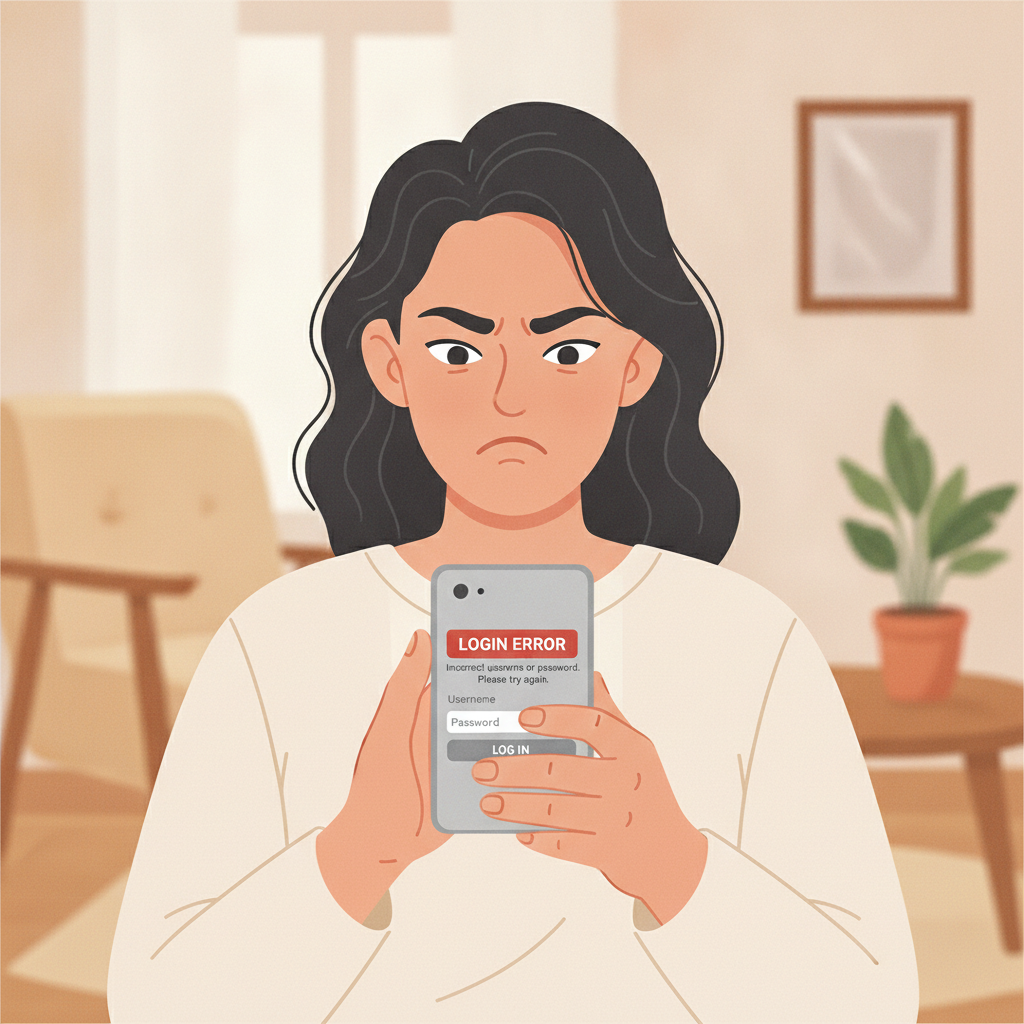
Common RK ZONE Login Errors and What They Mean
When you try to log in to RK ZONE and see an error, the platform usually tells you what went wrong. Here are the most common problems Filipino players face:
Wrong credentials – The most frequent issue. You may have typed your username, email, or password incorrectly. RK ZONE is case-sensitive, so "Password123" and "password123" are treated as different entries. Double-check for typos, extra spaces, and whether Caps Lock is on.
Account locked after multiple failed attempts – For security, RK ZONE temporarily locks your account if you enter the wrong password several times in a row. The lockout usually lasts 15 to 30 minutes. Wait, then try again with the correct password.
Server maintenance or downtime – Occasionally RK ZONE takes the site offline for updates, usually late at night Manila time. If you see a "service unavailable" or "under maintenance" message, check back in an hour or visit RK ZONE's official social media pages for announcements.
Session expired – If you were logged in on your Android phone or desktop but left the browser or app idle for a long time, RK ZONE logs you out for security. Simply log in again.
Account suspended or requires re-verification – If RK ZONE flags unusual activity or your ID documents have expired, you may not be able to log in until you verify your identity again. This is covered in detail below.
How to Reset Your RK ZONE Password
Forgot your password or suspect someone else has changed it? RK ZONE lets you reset it directly from the login screen.
On Desktop or Mobile Browser
- Go to the RK ZONE website and tap or click Log In.
- Look for the Forgot Password? link below the password field.
- Enter the email address or mobile number you used to register your account.
- Tap Submit or Send Reset Link.
- Check your email inbox or SMS. RK ZONE will send a password-reset link or a one-time code.
- Click the link or enter the code on the next screen.
- Create a new password. Use at least eight characters, mixing letters, numbers, and symbols. Avoid reusing old passwords.
- Confirm your new password and tap Save or Submit.
You should now be able to log in with your new credentials.
On the RK ZONE Android App
- Open the RK ZONE APK and tap Log In.
- Tap Forgot Password? under the password box.
- Enter your registered email or mobile number.
- Tap Send Code or Request Reset.
- You'll receive a six-digit OTP via SMS or email.
- Enter the OTP on the app screen.
- Type in your new password twice to confirm.
- Tap Confirm or Reset Password.
After the reset, log in immediately to make sure the new password works. If you don't receive the OTP or email within five minutes, check your spam folder or request the code again.
Two-Factor Authentication and OTP Issues
RK ZONE uses one-time passwords (OTPs) to protect your account. If you've enabled two-factor authentication or RK ZONE requires an OTP for certain logins, you may run into these problems:
OTP not arriving – SMS delays are common in the Philippines, especially during peak hours or if you're in a province with weak signal. Wait a few minutes, then tap Resend Code. If you selected email delivery, check your spam or junk folder.
OTP expired – One-time passwords are usually valid for only three to five minutes. If you took too long to enter the code, request a new one.
Wrong OTP error – Make sure you're entering the most recent code. If you tapped "Resend" multiple times, older codes become invalid. Use the last code you received.
Changed phone number – If you no longer have access to the mobile number linked to your account, you won't receive the OTP. Contact RK ZONE customer support through live chat or email and provide proof of identity—usually a selfie with your valid ID—so they can update your number or disable two-factor authentication temporarily.
Email OTP going to old address – Similar solution: reach out to support with your ID and explain that you need to update your registered email.
Two-factor authentication adds an extra layer of security, but if it's blocking you from logging in, RK ZONE support can help reset or verify your contact details.
What to Do If Your Account Is Suspended or Requires Re-Verification
Sometimes you'll be blocked from logging in even with the correct password. Common reasons include:
Incomplete or expired verification documents – Philippine regulations and RK ZONE's internal policies require valid government-issued ID. If your ID has expired or you never completed the initial verification, RK ZONE may suspend login access until you upload fresh documents.
Suspicious activity detected – Logging in from multiple devices in different locations, unusually large deposits, or rapid bet patterns can trigger a security review. RK ZONE may freeze your account temporarily while they investigate.
Violation of terms and conditions – Using multiple accounts, sharing login credentials, or attempting bonus abuse can lead to permanent suspension.
Steps to Resolve a Suspended or Locked Account
- Check your email – RK ZONE usually sends a message explaining why your account is locked and what documents or steps you need to provide.
- Gather your documents – Prepare a clear photo or scan of a valid Philippine ID (driver's license, passport, UMID, or postal ID). If RK ZONE asks for a selfie holding your ID and a note with today's date, take that photo in good lighting.
- Contact RK ZONE support – Use the live chat on the website or app, or send an email. Explain that you cannot log in and attach your ID or selfie as instructed.
- Wait for review – Verification can take 24 to 72 hours, depending on volume. Avoid creating a second account while you wait; that can make things worse.
- Follow up politely – If you haven't heard back after three days, send a follow-up message with your account username and the reference number from your first ticket.
Once RK ZONE confirms your identity and clears any flags, they will restore login access and notify you by email or SMS.
Tips to Avoid Future Login Problems
- Save your password securely – Use a password manager or write it down in a safe place. Don't share it with friends or save it on a public computer.
- Keep contact details current – If you change your mobile number or email, update them in your RK ZONE account settings immediately.
- Log out after each session on shared devices – If you use a friend's phone or a computer in an internet café, always log out completely when you're done.
- Enable two-factor authentication – It adds an extra step, but it protects your balance and personal data if someone guesses your password.
- Watch for phishing sites – Only log in through the official RK ZONE domain or the official Android APK. Scammers create fake login pages to steal credentials.
21+ Only and Responsible Gambling Reminder
RK ZONE is available only to players 21 years of age or older. Before you log in, make sure you're gambling within your means. Set deposit limits in your account settings, take regular breaks, and never chase losses. If you feel that betting is becoming a problem, reach out to a local support organization or use RK ZONE's self-exclusion tools.
Keep your login details private, play responsibly, and enjoy your games safely.