RK ZONE GCash Withdrawal Step-by-Step (Plus Common Errors)
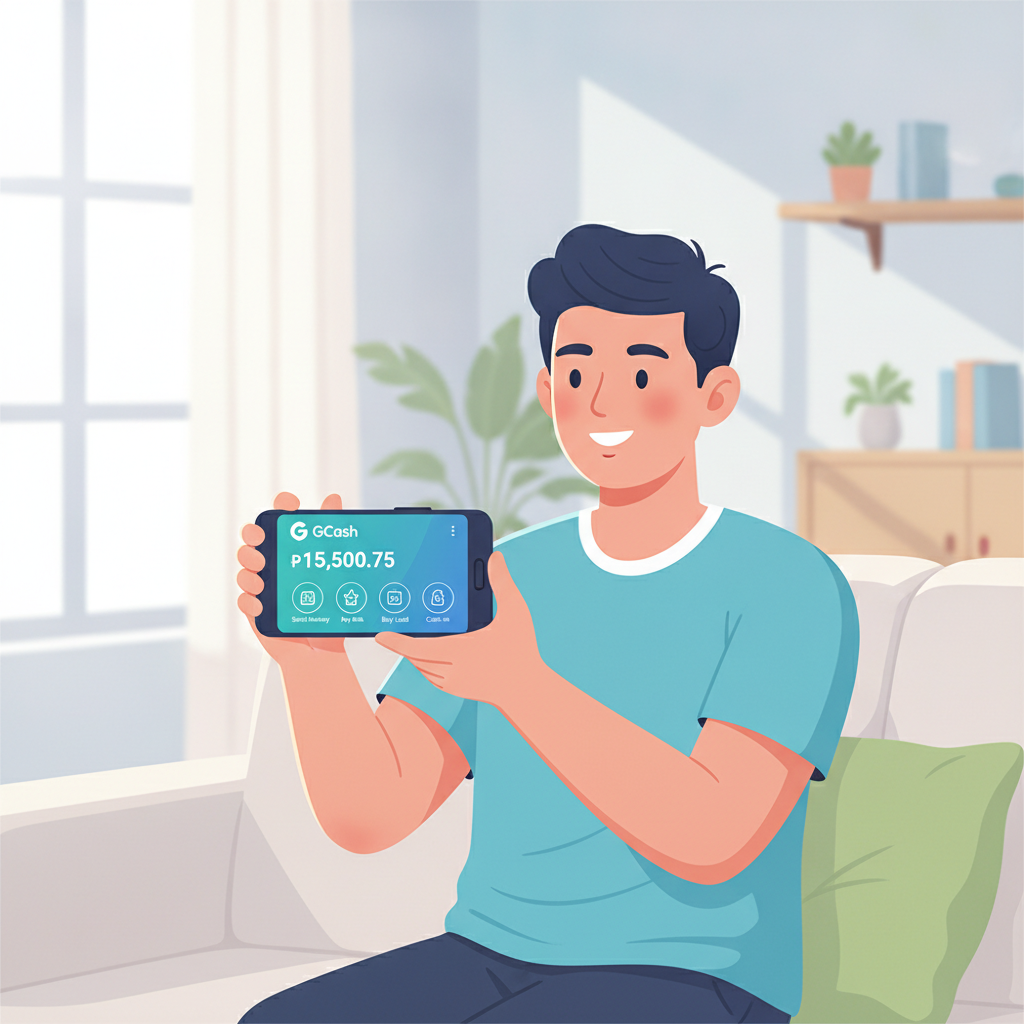
Why Players Use GCash for RK ZONE Withdrawals
GCash is the most popular way to cash out from RK ZONE among Filipino players. It arrives faster than bank transfers, does not require a physical card, and lets you spend or transfer your winnings immediately through the GCash app. Most RK ZONE players keep the same GCash mobile number they used for deposits, which makes withdrawals smoother.
This guide walks through the exact withdrawal steps, shows you how to fix common errors, and explains the limits and mobile-number checks you need to know.
21+ only. Gamble responsibly and track your cashouts.
Step-by-Step: How to Withdraw from RK ZONE to GCash
- Log in to your RK ZONE account on your phone or browser.
- Tap the profile icon or menu (usually three horizontal lines in the top corner).
- Select "Withdraw" or "Cashout" from the menu.
- Choose GCash as your withdrawal method. If you see e-Wallets or similar, tap that category first, then pick GCash.
- Enter the amount you want to withdraw in Philippine pesos (PHP). The platform will show you the minimum and maximum allowed.
- Confirm your GCash mobile number. RK ZONE will display the number registered on your account—this must match the mobile number tied to your GCash wallet.
- Review the details (amount, GCash number, any fees) and tap "Confirm" or "Submit."
- Wait for the confirmation screen. RK ZONE will show a pending transaction ID or message. Screenshot this for your records.
Once submitted, RK ZONE processes the request. Most GCash withdrawals arrive within a few minutes to a few hours, but check the current processing-time estimate shown in your account or cashier page.
Minimum and Maximum GCash Withdrawal Limits
RK ZONE sets limits on how much you can withdraw in a single transaction and within a 24-hour or weekly window. These numbers can change, so always check the cashier page for the latest figures. As of common practice on similar platforms:
- Minimum withdrawal: Typically PHP 100 or PHP 200. If you try to cash out less, the platform will reject the request.
- Maximum per transaction: Often around PHP 10,000 to PHP 50,000, depending on your account tier or VIP level.
- Daily or weekly caps: Some players see a rolling limit, such as PHP 100,000 per week. Higher VIP tiers may unlock larger limits.
If your requested amount exceeds the maximum, split it into two or more separate withdrawals. If you are below the minimum, wait until your balance grows or add a bit more through gameplay—though remember to gamble responsibly and never chase losses just to hit a cashout threshold.
Fixing "Invalid Account" Errors
An "Invalid Account" or "Invalid GCash Number" error usually means the mobile number RK ZONE has on file does not match an active GCash wallet. Here is how to fix it:
- Open your GCash app and confirm the registered mobile number. It is the SIM number tied to your GCash account, shown at the top of the app home screen.
- Compare that number to the one in your RK ZONE profile. Go to Account Settings or Profile in RK ZONE and look for the e-wallet or withdrawal section.
- If the numbers do not match, update your RK ZONE profile. Most platforms let you edit your GCash number under Payment Methods or Withdrawal Settings. You may need to re-verify by entering an OTP sent to the new number.
- If you cannot edit the number yourself, contact RK ZONE customer support through live chat or the in-app message center. Provide your account username and the correct GCash mobile number. Support will usually ask for a screenshot of your GCash app home screen (with your name and number visible) to verify ownership.
- Wait for confirmation from support that the update is complete, then try your withdrawal again.
Tip: Always use the same mobile number for both deposits and withdrawals. This avoids mismatches and speeds up verification.
Handling "GCash Maintenance" or Temporary Errors
Sometimes RK ZONE shows a message like "GCash is under maintenance" or "Service temporarily unavailable." This can happen for a few reasons:
- Scheduled GCash maintenance: GCash occasionally updates its systems, especially late at night or early morning. Check the official GCash app or social-media pages for announcements.
- Payment-gateway downtime: RK ZONE uses a third-party processor to connect to GCash. If that gateway is down, withdrawals pause until it is back online.
- Temporary connectivity issue: A brief network glitch on either RK ZONE's or GCash's side.
What to do:
- Wait 30 minutes to an hour and try again. Most maintenance windows are short.
- Check your GCash app to confirm it is working normally. Try sending a small amount to a friend or paying a bill; if GCash itself is down, your withdrawal will not go through.
- Look for announcements in the RK ZONE promotions tab, email, or official social-media channels. Operators often post notices about extended maintenance.
- Use an alternative method temporarily: If you need cash urgently and GCash remains offline, try withdrawing via Maya or InstaPay bank transfer instead. You can switch back to GCash once service resumes.
Do not submit the same withdrawal multiple times while the error persists. This can create duplicate pending requests that support will need to cancel manually.
Confirming Your GCash Mobile Number Matches Your RK ZONE Profile
Mismatched mobile numbers are the top cause of failed GCash withdrawals. Follow these steps to double-check before you request a cashout:
- Open the GCash app. Your registered mobile number appears at the top of the home screen, usually beside your name or profile photo.
- Write down or screenshot that number, including the country code (+63) if shown.
- Log in to RK ZONE and go to your profile or account settings.
- Find the e-wallet or withdrawal section. Look for a field labeled "GCash Number," "Mobile Number," or "E-Wallet Account."
- Compare the two numbers. They must be identical, including area codes. Even a single-digit difference will trigger an Invalid Account error.
- If they match, you are good to proceed with your withdrawal.
- If they do not match, update the RK ZONE number to match your GCash. Save the change, then re-verify if the platform sends an OTP to the new number.
Why this matters: RK ZONE sends your cashout to the mobile number on file. If that number does not have an active GCash wallet, the payment processor rejects the transaction and returns your funds to your RK ZONE balance—often after a delay of several hours or even a day.
Tracking Your GCash Withdrawal and Processing Times
Once you submit a withdrawal, RK ZONE moves it to "Pending" status. Most GCash cashouts are approved and sent within 15 minutes to 2 hours during business hours. Outside of peak times—early morning or late night—processing may take longer.
How to track:
- Transaction history: In RK ZONE, tap your profile and look for "Transaction History," "Withdrawal History," or "Cashout Records." You will see the request time, amount, status (Pending, Approved, Completed, or Cancelled), and a transaction ID.
- GCash app notifications: When the money arrives, GCash sends a push notification and an SMS. Open the app to see the incoming "Cash In" entry in your transaction list.
- If your request stays pending beyond the stated time, contact RK ZONE support with your transaction ID. They can check whether the processor has sent the funds or if additional verification is needed.
Keep a record: Screenshot every withdrawal confirmation and the corresponding GCash receipt. This helps if you need to dispute a missing or delayed payment.
Fees and Deductions for GCash Withdrawals
RK ZONE does not charge a platform fee for most GCash withdrawals, but always check the cashier page for the current policy. In some cases:
- No fee for your first withdrawal of the day or week.
- Small processing fee (for example, 1–2 percent or a flat PHP 10–15) on additional withdrawals within the same period.
- Third-party gateway fees may apply if RK ZONE uses an external processor, though these are usually absorbed by the operator.
GCash itself does not charge you to receive money into your wallet. Any deduction you see will come from RK ZONE's side, and it will be shown on the confirmation screen before you submit.
When to Contact RK ZONE Support About a GCash Cashout
Reach out to customer support if:
- Your withdrawal has been pending for more than 4 hours during business hours (or longer than the time frame stated in the cashier).
- You see an error message you cannot resolve by checking your mobile number or waiting for maintenance to end.
- The wrong amount arrived in your GCash wallet.
- Your cashout was marked "Cancelled" or "Failed" with no clear explanation.
How to contact:
- Live chat: Usually available 24/7 in the RK ZONE app or website. Look for a chat bubble icon.
- Email or support ticket: Found under Help or Contact Us. Include your username, transaction ID, requested amount, and a description of the issue.
- Phone or messaging apps: Some platforms offer support via Viber, Telegram, or a local hotline.
Have your account details and screenshots ready to speed up the process.
Responsible Gambling Reminder
RK ZONE is for players 21 years of age and older. Withdrawing your winnings is part of managing your bankroll responsibly. Keep track of how much you deposit and cash out each week, and never gamble more than you can afford to lose. If you feel gambling is becoming a problem, set deposit limits in your account settings or reach out to a local support organization.
Summary
Withdrawing from RK ZONE to GCash is straightforward: log in, choose GCash in the cashier, enter your amount, confirm your mobile number, and submit. Watch for minimum and maximum limits, double-check that your GCash number matches your RK ZONE profile, and be patient during scheduled maintenance windows. If you hit an Invalid Account error, verify your mobile number in both apps and update your profile if needed. Most cashouts land in your GCash wallet within an hour or two, giving you quick access to your winnings.
21+ only. Play responsibly and keep records of every cashout.