RK ZONE App Download for Android: APK Install Guide
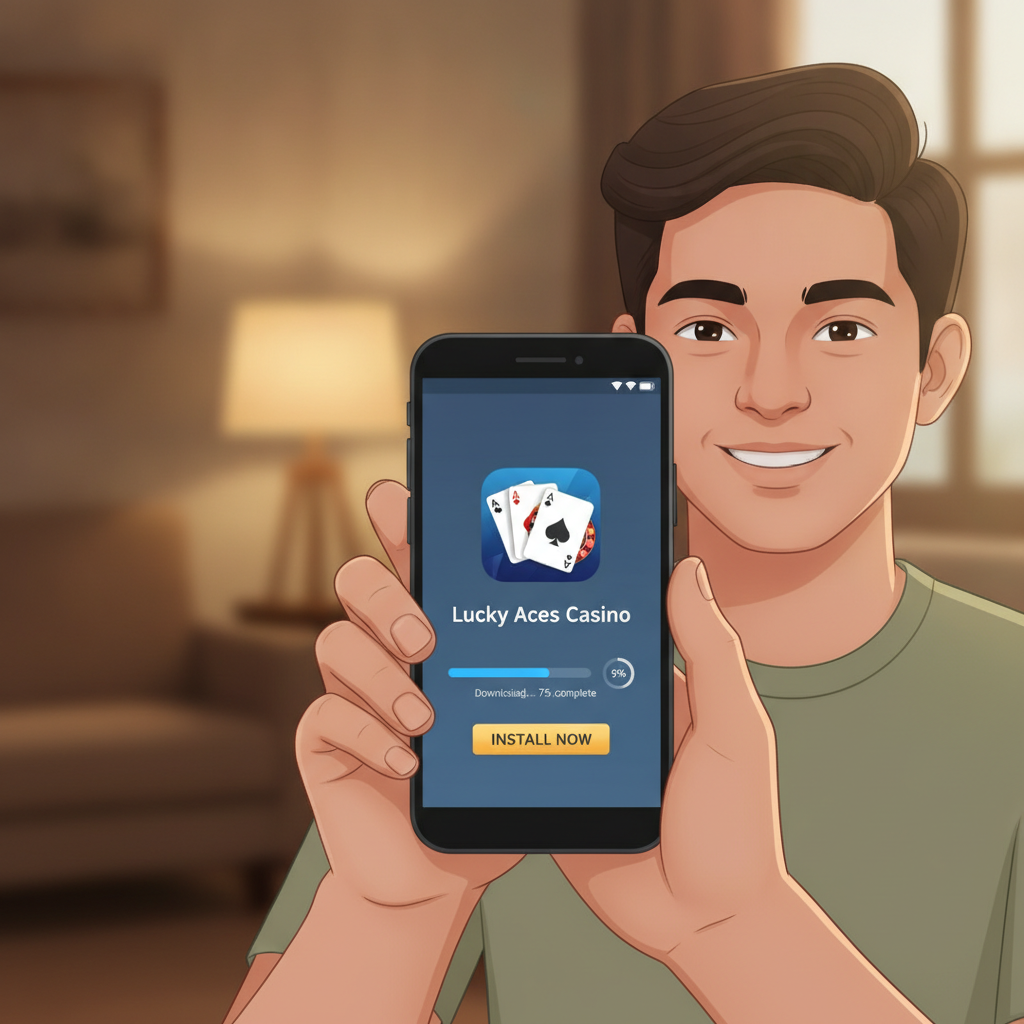
RK ZONE App Download for Android: APK Install Guide
Most Filipino players access RK ZONE on their Android phones, using GCash or Maya to deposit and betting on PBA, NBA, slots, and live dealer games. Because online casino apps are not available on the Google Play Store, you need to download the RK ZONE APK file directly from the official website and install it manually.
This guide walks you through finding the official APK, enabling installation from unknown sources, installing the app, and fixing common errors like "App not installed" or security warnings.
21+ only. Online gambling is restricted to adults. Only download casino apps from official, trusted sources to protect your phone and your money.
Where to Find the Official RK ZONE APK File
RK ZONE distributes its Android app as an APK file hosted on its official site. You will not find it on Google Play because Google's policies prohibit real-money gambling apps in the Philippines.
Steps to Download the APK
- Open your mobile browser (Chrome, Firefox, or your default Android browser).
- Go to the official RK ZONE website. Type the URL directly or use a bookmark if you already have an account.
- Look for the mobile app banner or download button. Most casino sites display a prominent "Download for Android" button on the homepage or in the menu under "Mobile" or "App."
- Tap the Android download button. The APK file (typically 30–80 MB) will begin downloading to your phone's Downloads folder.
Security tip: Only download the APK from the official RK ZONE domain. Fake or third-party APK sites may distribute modified files that steal login credentials or payment information. If you are unsure whether a site is legitimate, contact RK ZONE customer support through live chat before downloading.
How to Enable 'Install from Unknown Sources' on Your Android Phone
By default, Android blocks installation of apps from sources other than the Google Play Store. You need to grant permission to install the RK ZONE APK.
The exact steps vary slightly by Android version and phone manufacturer (Samsung, Xiaomi, Oppo, Vivo, etc.), but the process is similar.
For Android 8.0 and Newer
- Open Settings on your phone.
- Tap Apps or Apps & notifications.
- Tap Special access (or Advanced).
- Tap Install unknown apps (or Install other apps).
- Select your browser (Chrome, Firefox, or whichever app you used to download the APK).
- Toggle on "Allow from this source."
For Android 7.1 and Older
- Open Settings.
- Tap Security (or Lock screen and security).
- Toggle on "Unknown sources."
- Confirm the warning prompt.
Once enabled, your phone will allow installation of the RK ZONE APK. You can disable this setting after installation if you prefer, though you will need to re-enable it for future app updates.
Installing, Opening, and Logging In to the RK ZONE App
After downloading the APK and enabling unknown sources, you are ready to install.
Installation Steps
- Open your phone's Downloads folder or notification shade and tap the downloaded RK ZONE APK file.
- Tap Install when the installer screen appears.
- Wait for the installation to complete. This usually takes 10–30 seconds.
- Tap Open when the installation finishes, or find the RK ZONE app icon on your home screen or app drawer.
Logging In
When you open the app for the first time:
- Tap the Login button on the welcome screen.
- Enter your RK ZONE username and password. Use the same credentials you created when you registered your account on the website.
- Tap Submit or Log In.
If you have not yet registered an account, you can tap "Sign Up" or "Register" in the app to create one. You will need a valid Philippine mobile number, your full name, date of birth (you must be 21 or older), and a password.
Once logged in, you can browse slots, live dealer tables, and sports betting markets, deposit pesos through GCash or Maya, and place bets—all from the app.
Troubleshooting 'App Not Installed' or Security Warnings
Even after enabling unknown sources, some players encounter errors during installation. Here are the most common issues and how to fix them.
"App Not Installed" Error
Cause 1: Conflicting version already installed
If you previously installed an older version of the RK ZONE app or a different APK of the same app, Android may block the new installation.
Fix: Go to Settings > Apps, find RK ZONE, tap it, and tap Uninstall. Then try installing the new APK again.
Cause 2: Corrupted or incomplete download
If your download was interrupted or the file is damaged, installation will fail.
Fix: Delete the APK from your Downloads folder and download it again from the official site. Use a stable Wi-Fi connection to avoid interruptions.
Cause 3: Insufficient storage space
Large APK files require free space on your phone.
Fix: Go to Settings > Storage and clear cache, delete unused apps, or move photos and videos to free up space. Aim for at least 200 MB of free storage.
"Harmful App Blocked" or Google Play Protect Warning
Google Play Protect sometimes flags casino APKs as potentially harmful because they are not distributed through the Play Store.
What to do:
- Tap "More details" or "Install anyway" if you are confident the APK came from the official RK ZONE site.
- If you prefer extra caution, tap "Don't install" and contact RK ZONE support to confirm the download link is legitimate before proceeding.
Important: Only override Play Protect warnings for apps you trust. Never install APKs from unknown websites, social media links, or third-party app stores.
Login or Verification Errors After Installation
If the app installs but you cannot log in, or you see an error like "Account verification required":
- Check your username and password. Make sure caps lock is off and there are no extra spaces.
- Check your internet connection. Switch between Wi-Fi and mobile data to see if one works better.
- Update the app. If the APK is outdated, some features may not work. Visit the official site to download the latest version.
- Contact support. Use the live chat feature on the RK ZONE website or app to report the issue. Have your registered mobile number and username ready.
21+ Only; Download Apps Only from Trusted Sources
RK ZONE is an online casino and sportsbook designed for adult players in the Philippines. You must be 21 years of age or older to register, deposit, and play.
Responsible Gambling Reminder
Gambling should be entertainment, not a way to make money. Set a budget before you play, never chase losses, and take breaks if betting stops being fun. If you feel you are losing control, seek help from a trusted friend, family member, or a professional support service.
Protect Your Device and Data
- Only download the RK ZONE APK from the official website. Fake apps can steal your login details, payment information, or install malware.
- Keep your phone's operating system and security software up to date.
- Do not share your RK ZONE password or one-time PINs (OTP) with anyone, including people claiming to be customer support.
- Use strong, unique passwords and enable two-factor authentication if RK ZONE offers it.
By following this guide, you can safely download, install, and use the RK ZONE Android app to bet on your favorite sports, spin slots, and play live dealer games—all from your phone, with deposits and withdrawals through GCash, Maya, InstaPay, or PESONet.
If you run into installation problems or security warnings, revisit the troubleshooting section above or reach out to RK ZONE support for assistance. Happy and responsible gaming.